How to set up Growblog
Learn how to set up Growblog in your Ghost blog quickly in a few seconds

Setting up Growblog for your blog is very easy. If you need additional help, here is a guide for you!
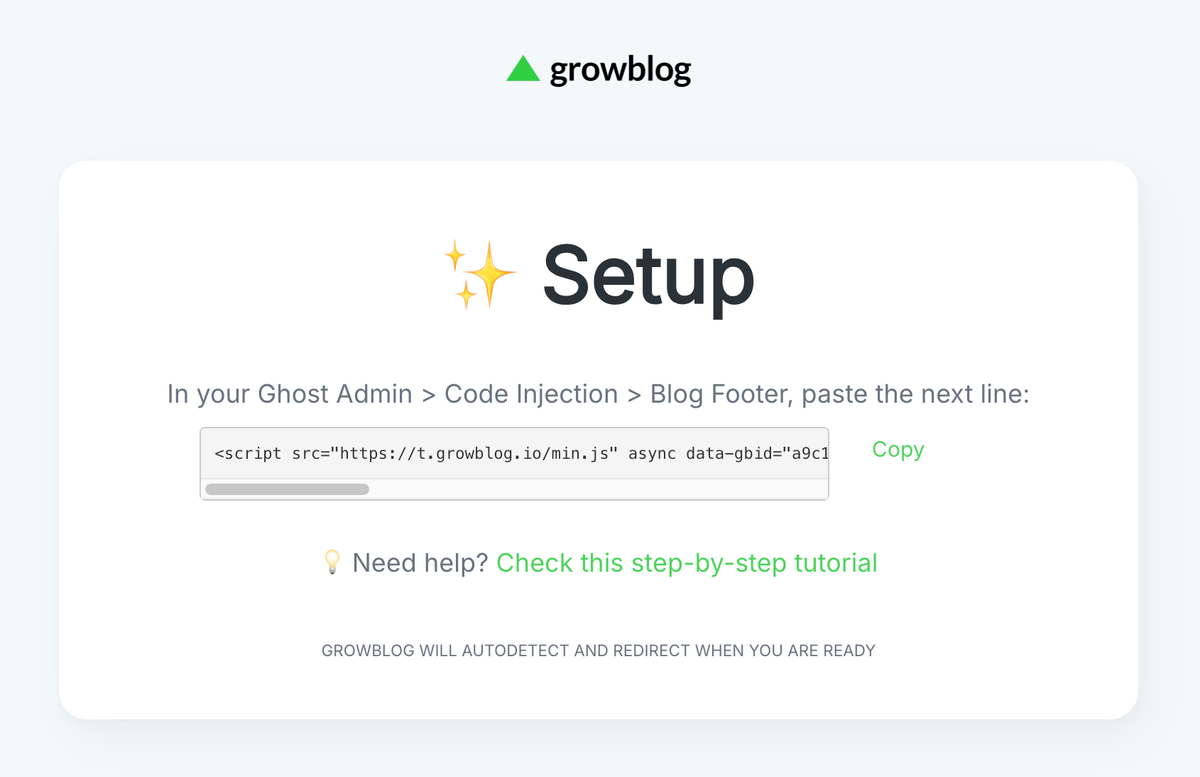
After completing your signup, you will be directed to the Setup page, which is always available at /setup if you haven't completed it yet. It looks like this:
Step 1: Copy your unique code line
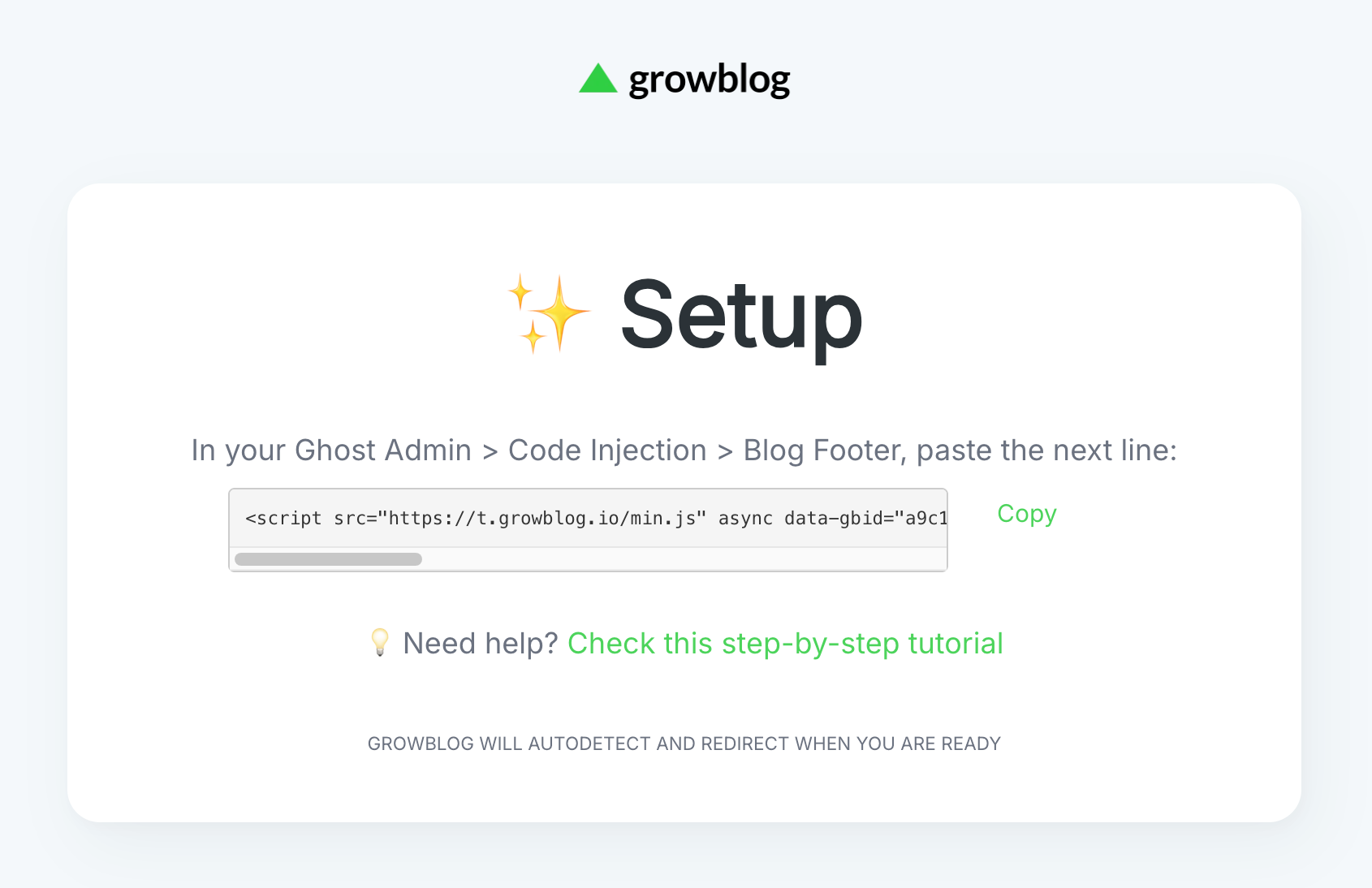
- On the Setup page (login required), copy the code line or click the Copy button to copy it to your clipboard automatically.
Step 2: Paste the code line into your blog
- Sign in to your Ghost blog (login at yourblog.domain/ghost), go to Settings → Advanced → Code Injection:
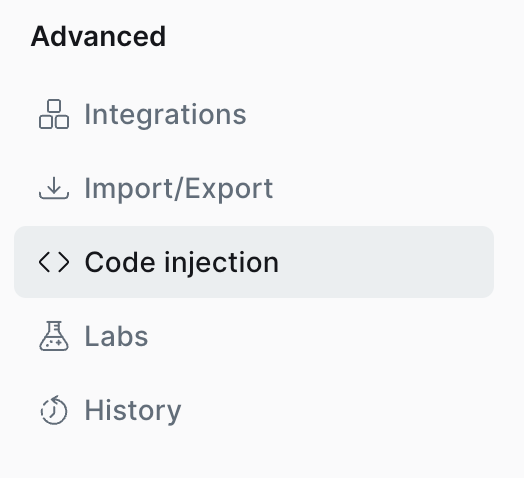
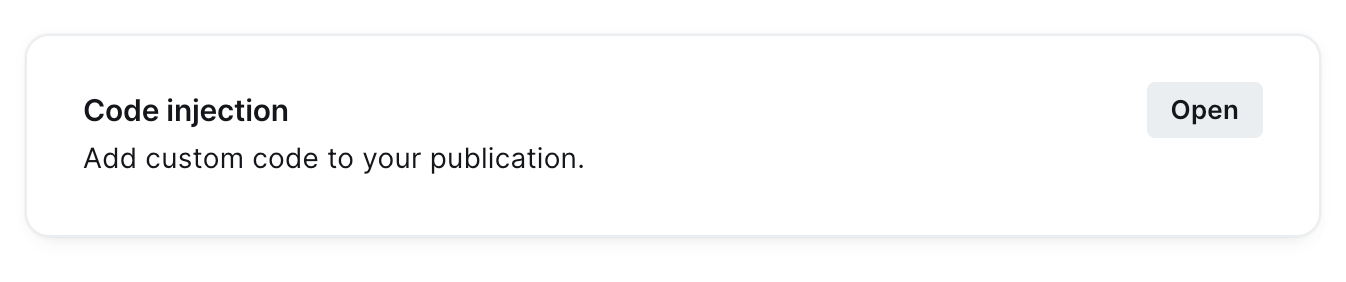
- Click the Open link in the Code Injection section
- Paste your code line into the Site Footer section:
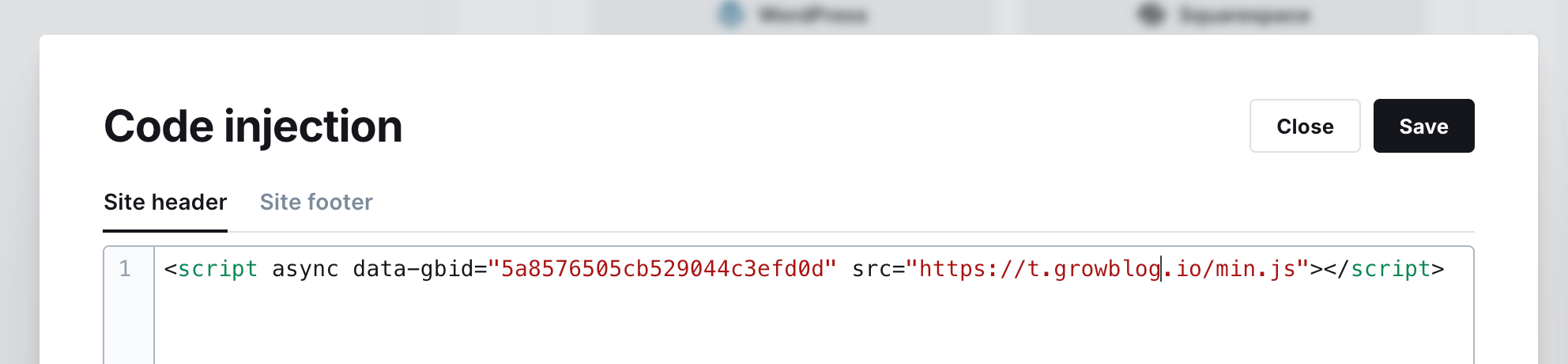
💡 If you already have some code, don't worry. Just paste the code at the beginning.
✅ Note: it will also work if you paste it in the Header section instead of Footer, but we recommend placing it in the Footer for better blog performance.
Step 3: Finish
- Save the changes
💡 If your blog gets a few views from time to time, visit it yourself to start tracking, so you will be able to see your dashboard.
Welcome on board! 🎉
Next step: API Integration
It's optional but strongly recommended. Learn more in the following post:
 David Burgos
Grow your Ghost blog faster 🚀
Start your free trial now and explore all Growblog features for free. No credit card is required.