How to integrate Growblog with the Ghost API
Check out how to integrate Growblog with Ghost Content API in just a couple of clicks with this step-by-step guide with screenshots

Check out how to integrate Growblog with Ghost Content API in just a couple of clicks with this step-by-step guide with screenshots.
How to integrate Growblog
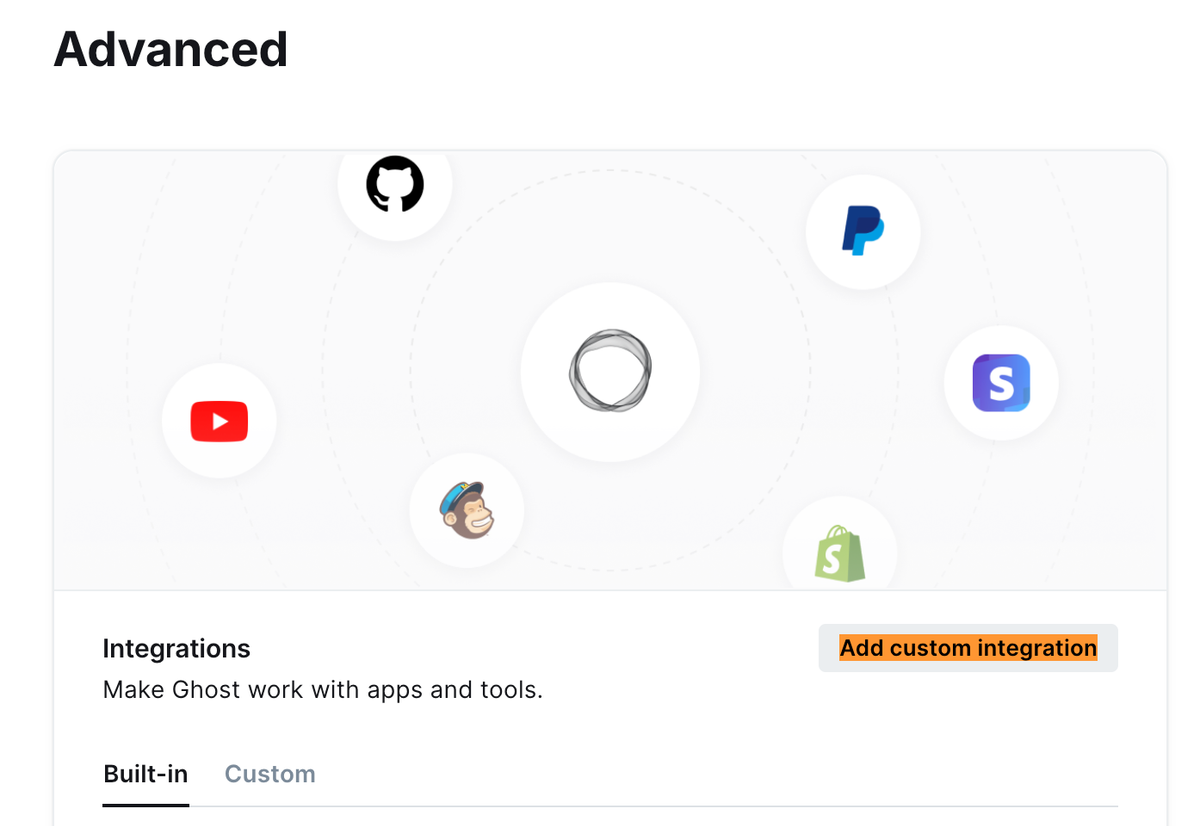
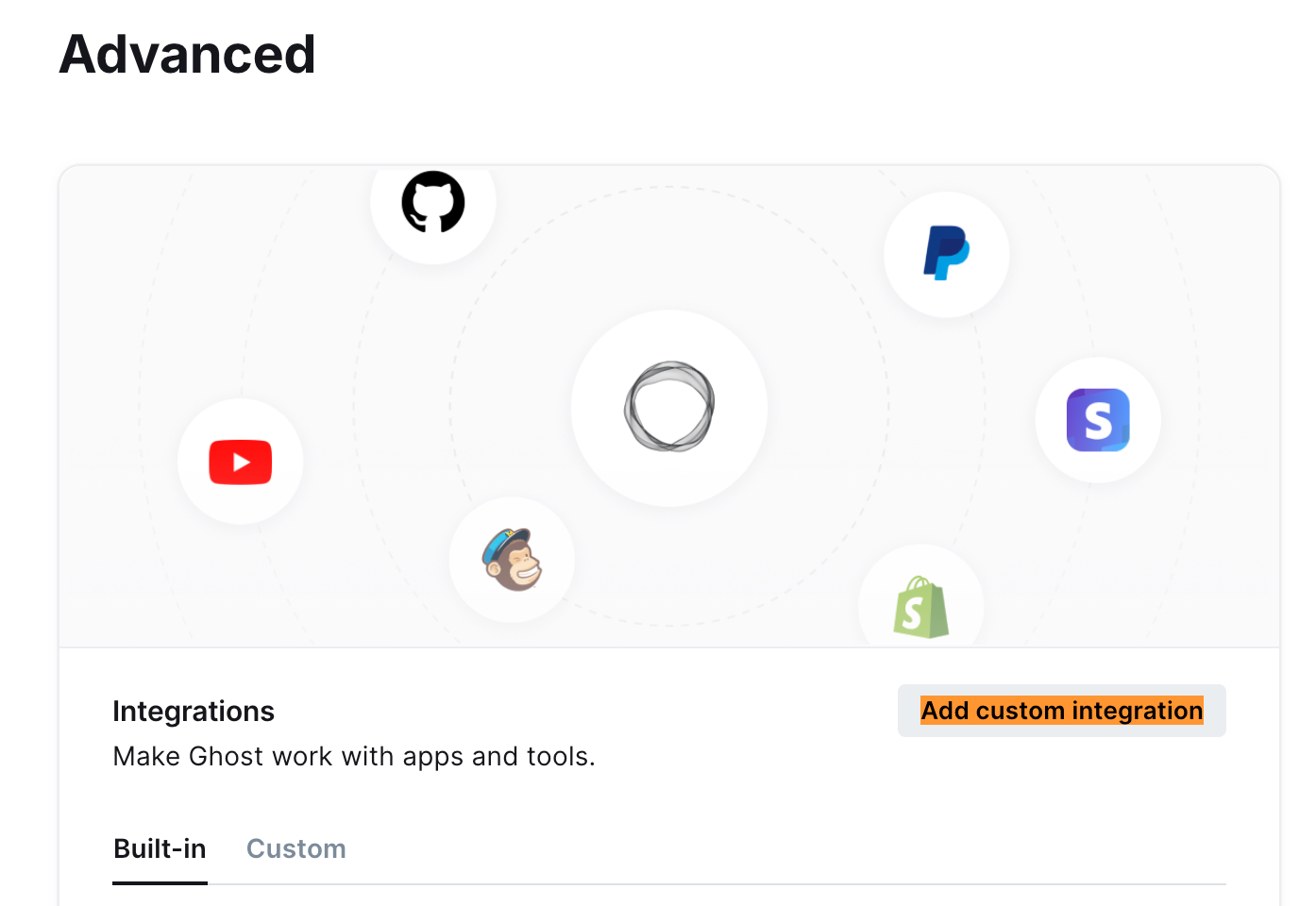
1 - Log in to your Ghost admin and go to Settings → Advanced → Integrations:
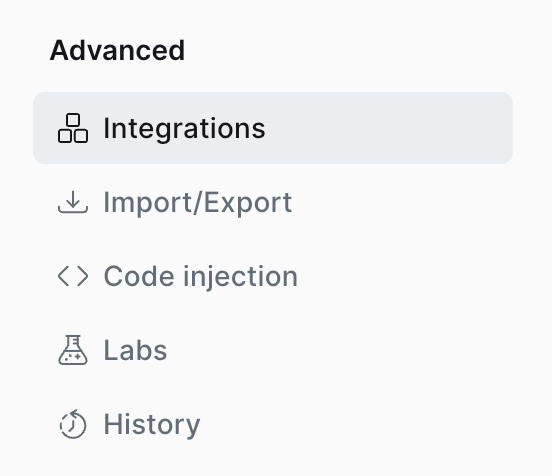
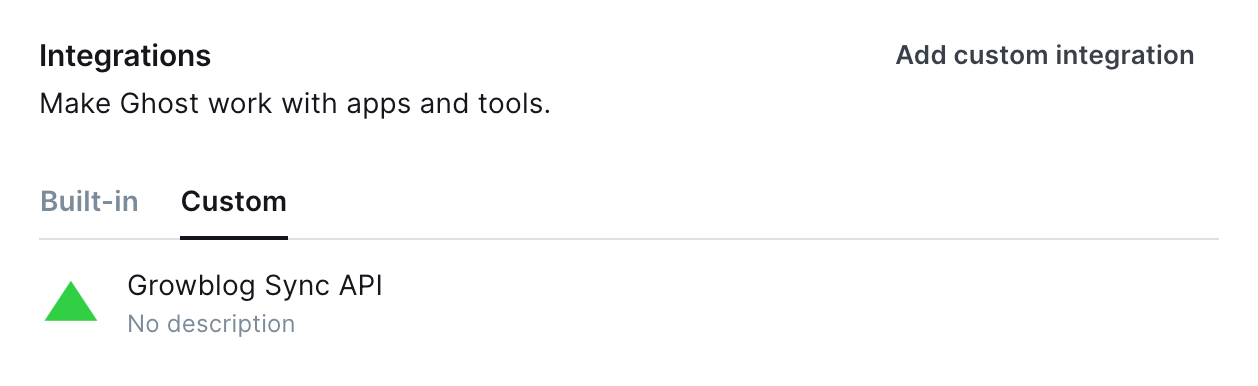
2 - Go to the bottom section and click Add custom integration:
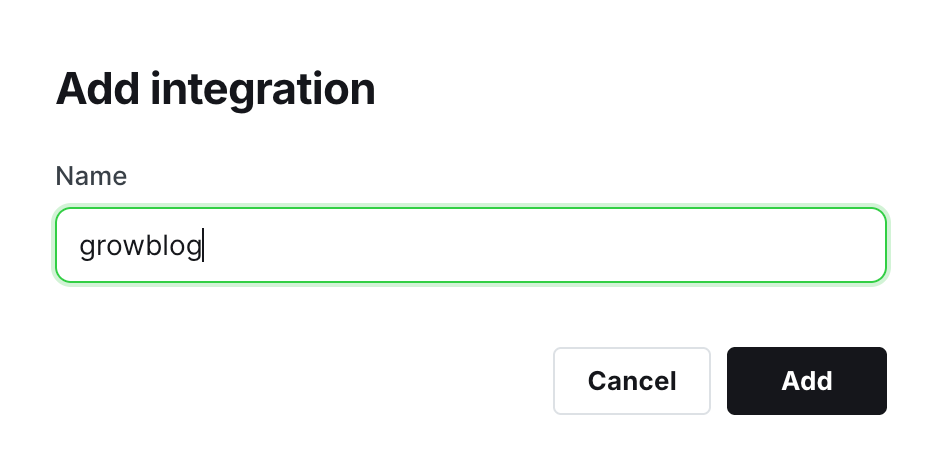
3 - On the pop-up, set the name of the new integration: growblog and click Create.
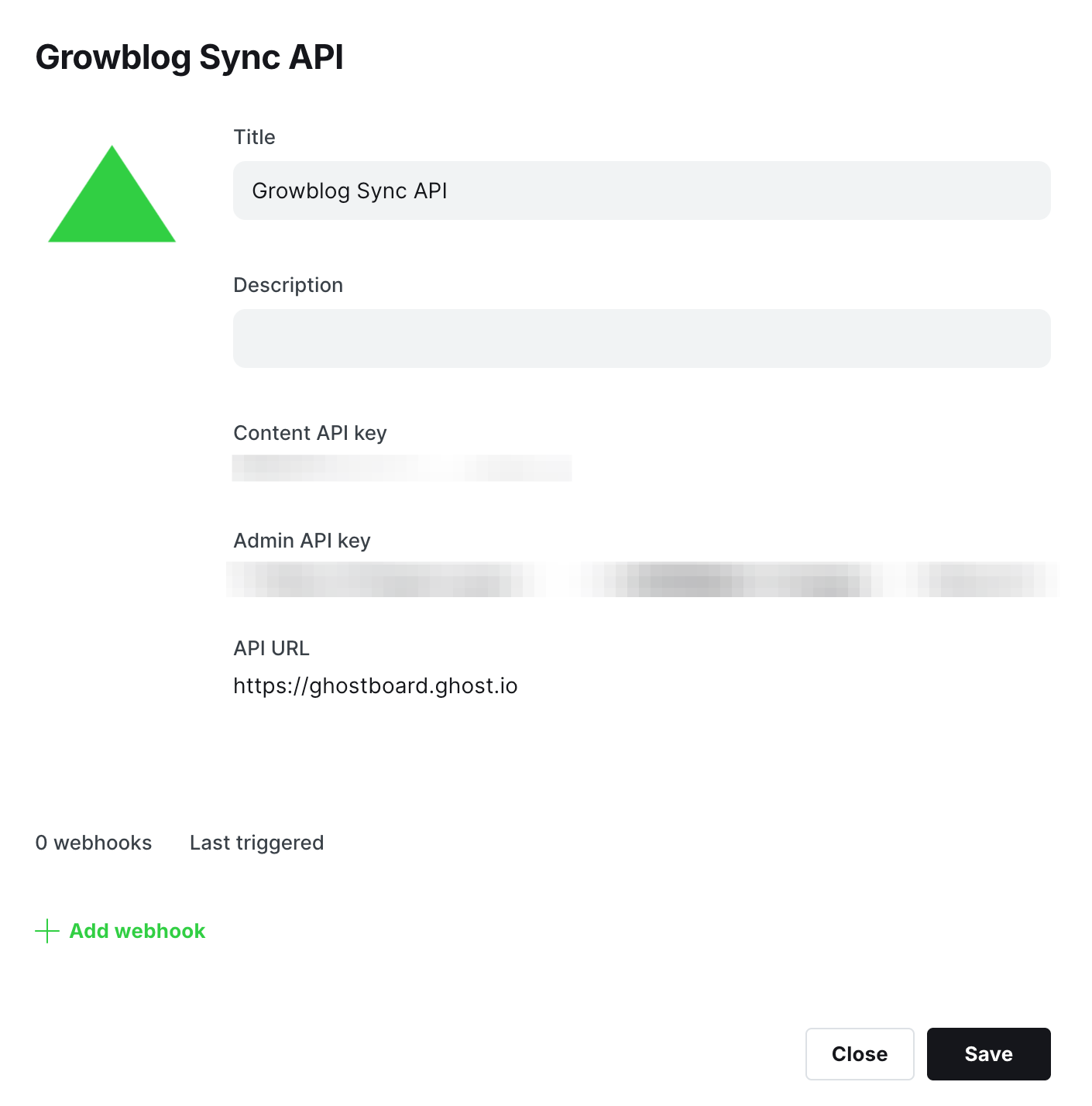
4 - Copy the Content API key: click on the Copy button that will appear when you mouse over the key or select/copy manually
5 - Paste the key on Growblog and click the Change button:
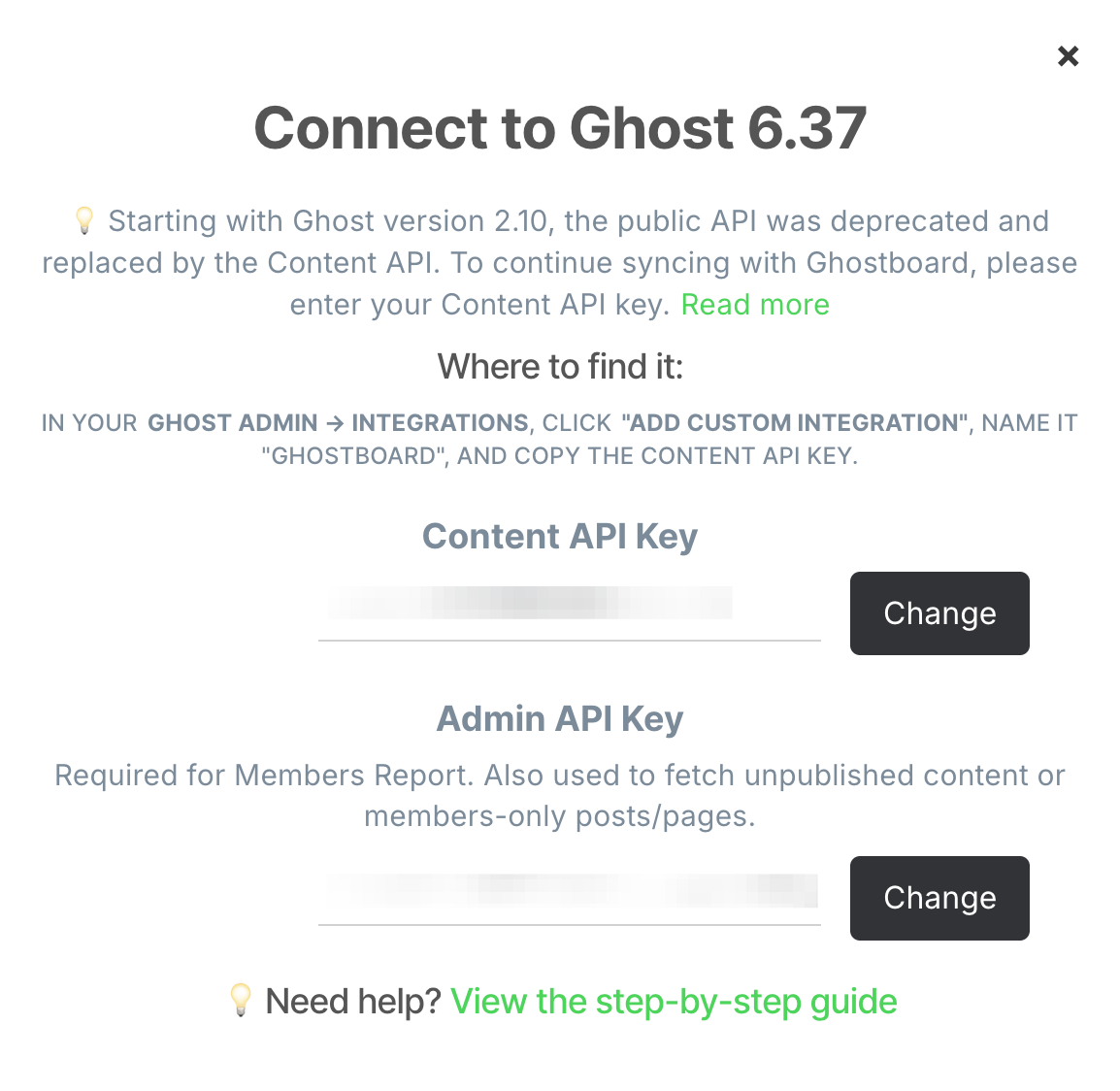
👏 Congrats, the integration is completed!
Bonus 💅
Feel free to download the next icon and set it in your Ghost admin for the Growblog integration:
Take a look, it looks nice!
Grow your Ghost blog faster 🚀
Start your free trial now and explore all Growblog features for free. No credit card is required.